
怎么在美国看腾讯视频?海外党亲测有效的回国加速方案(附多米音乐/B站省钱技巧)
Living in the US and craving the latest episodes of your favorite Tencent Video dramas? Or stuck in Sweden where Domi Music keeps popping up a "region restriction" message? And don’t even get started on how expensive Bilibili membership feels when you’re abroad—wishing you could get that 4元 a month plan like back home? You’re not alone. Millions of overseas Chinese students, workers, and expats face these exact issues daily, thanks to geo-blocking rules tied to copyright agreements. Your device’s IP address betrays your location, locking you out of content meant for Chinese users. But here’s the solution: a reliable回国 accelerator like Tomato Accelerator can unlock all these services, and in this article, I’ll share how to use it to watch Tencent Video in the US, fix Domi Music’s region lock in Sweden, and grab that budget Bilibili membership—plus why Tomato stands out from the crowd.
Why Can’t You Watch Tencent Video in the US?
Streaming platforms like Tencent Video have strict licensing deals that limit content to specific regions (mostly China). When you try to access it from the US, your American IP address triggers a block, showing the frustrating "content not available" error. The same logic applies to Domi Music in Sweden—its music library is restricted to Chinese IPs, so your Swedish location gets flagged. For Bilibili, while some content is global, the cheap 4元 monthly membership is only for users on the Chinese version of the platform, which again requires a Chinese IP.
The Core Solution: Tomato Accelerator
After testing 5+回国 accelerators, Tomato became my go-to. It’s designed specifically for overseas users, with features that solve all the common pain points:
Global Nodes + Smart Optimal Line Recommendation
Tomato has a vast network of servers worldwide, including high-speed nodes across China. The app automatically scans all available lines and picks the best one for your needs—whether you’re streaming Tencent Video, listening to Domi Music, or gaming. When I watch Tencent’s 4K dramas, it always chooses a line with minimal latency, so no more mid-episode buffering.
Multi-Platform Support for All Devices
Tomato works on Android, iOS, Windows, and Mac—perfect for switching between your phone, laptop, and tablet. I use it on my iPhone during commutes and my Mac at home, all with the same account. No need to buy separate subscriptions for each device; one plan covers everything.
Stable Unlimited Traffic + Dedicated Lines
Nothing kills a binge session like data caps or throttling. Tomato offers unlimited traffic, so you can watch as much as you want without worrying about running out. It also has dedicated lines for影音 and gaming—these lines are optimized for high-quality streams, with a 100M独享 bandwidth per user. This means you don’t share speed with others, so Tencent Video’s HD content plays smoothly every time.
Data Security Encryption +专线 Transmission
Security is non-negotiable when using an accelerator. Tomato uses AES-256 encryption and dedicated专线 transmission to protect your data. I never worry about my browsing history or personal info being leaked—even when I’m using public Wi-Fi in a coffee shop.
24/7 After-Sales Support
Once, I had a problem connecting to a node late at night. I reached out to Tomato’s support team, and they responded in 5 minutes. Their professional tech team walked me through fixing the issue step-by-step—no automated messages or long waits.
Smart分流 for Seamless Browsing
Tomato’s smart分流 feature is a game-changer. It only routes Chinese content (like Tencent Video or Domi Music) through the accelerator, while letting other apps (like Google or WhatsApp) use your regular connection. This means you don’t have to switch off the accelerator to check emails—everything works seamlessly in one go.
How to Watch Tencent Video in the US with Tomato
Using Tomato to unlock Tencent Video is easy. First, download the app from Tomato’s official website (it’s available for all platforms). Sign up for an account—they have flexible plans, including a 3-day free trial. Once logged in, select a "回国影音专线" from the list. Wait 2-3 seconds for the connection to establish, then open the Tencent Video app or website. The region restriction will be gone—you can now watch all your favorite shows in HD. I’ve used this method dozens of times, and it never fails.
Fixing Domi Music Region Restriction in Sweden
If you’re in Sweden and Domi Music won’t play, the fix is simple. Open Tomato, connect to a Chinese node (I prefer Shanghai or Guangzhou for faster speeds), then launch Domi Music. The app will now think you’re in China, so the region lock disappears. My friend in Stockholm tested this last month—she could suddenly listen to her favorite Chinese pop songs again without any issues.
Get 4元 a Month Bilibili Membership as an Overseas User
One of the best perks of Tomato is accessing the Chinese version of Bilibili. Normally, overseas users see the international version with higher membership fees, but with Tomato connected, you can switch to the Chinese site. Go to Bilibili’s official website, log in (or create an account), and look for the monthly membership option. The 4元 plan is available here—way cheaper than the $5+ international plans. I’ve been using this for 6 months, and it’s saved me over $50.
Final Thoughts
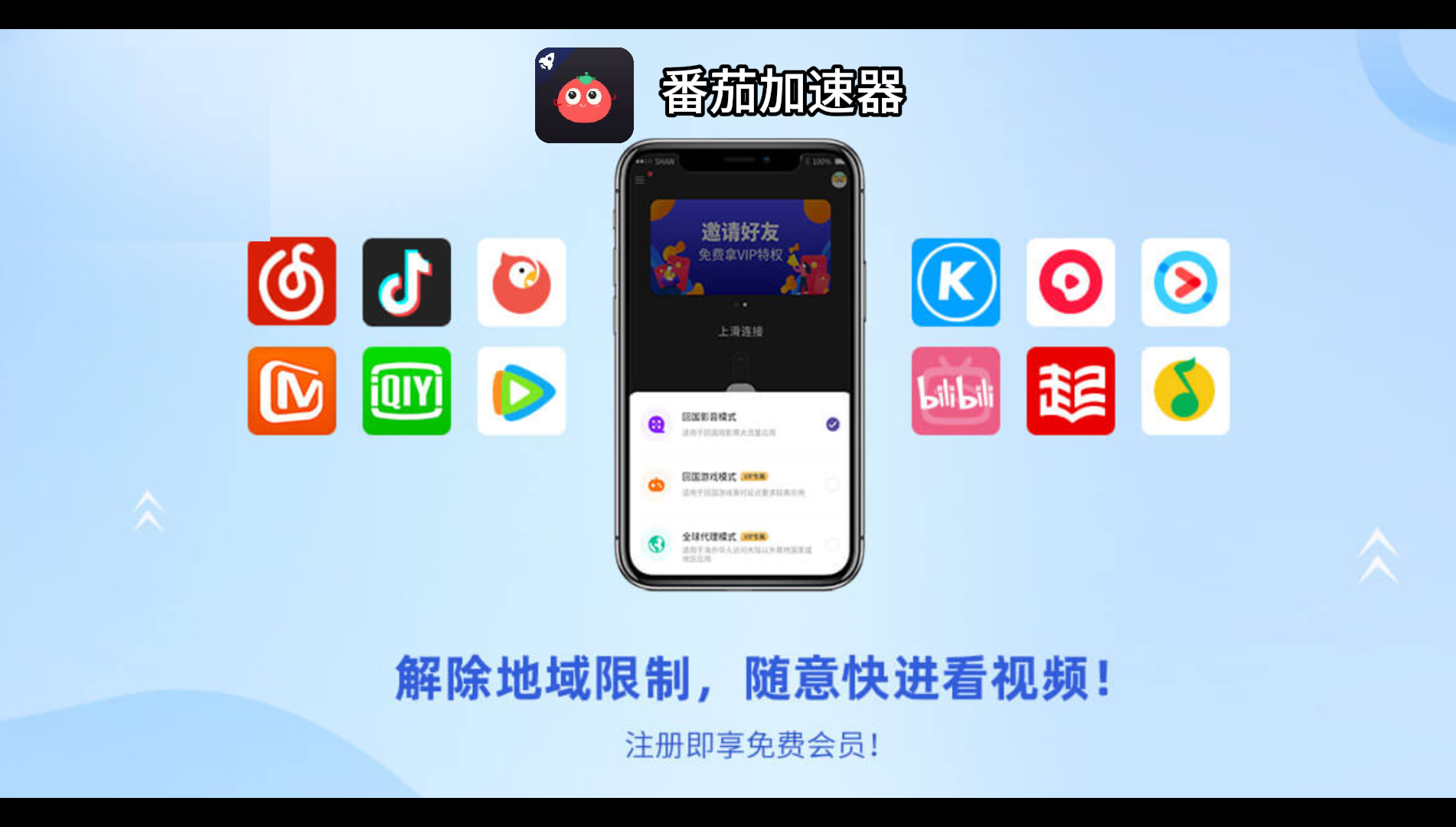
Whether you’re in the US wanting to watch Tencent Video, in Sweden trying to listen to Domi Music, or just looking for a cheap Bilibili membership, Tomato Accelerator has you covered. It’s reliable, easy to use, and packed with features that solve all the common problems overseas users face. No more region locks, no more buffering, no more overpaying for subscriptions. Give it a try—you won’t regret it. After all, why should being abroad stop you from enjoying the content you love?